
Automations in plain English.
Describe what you want.
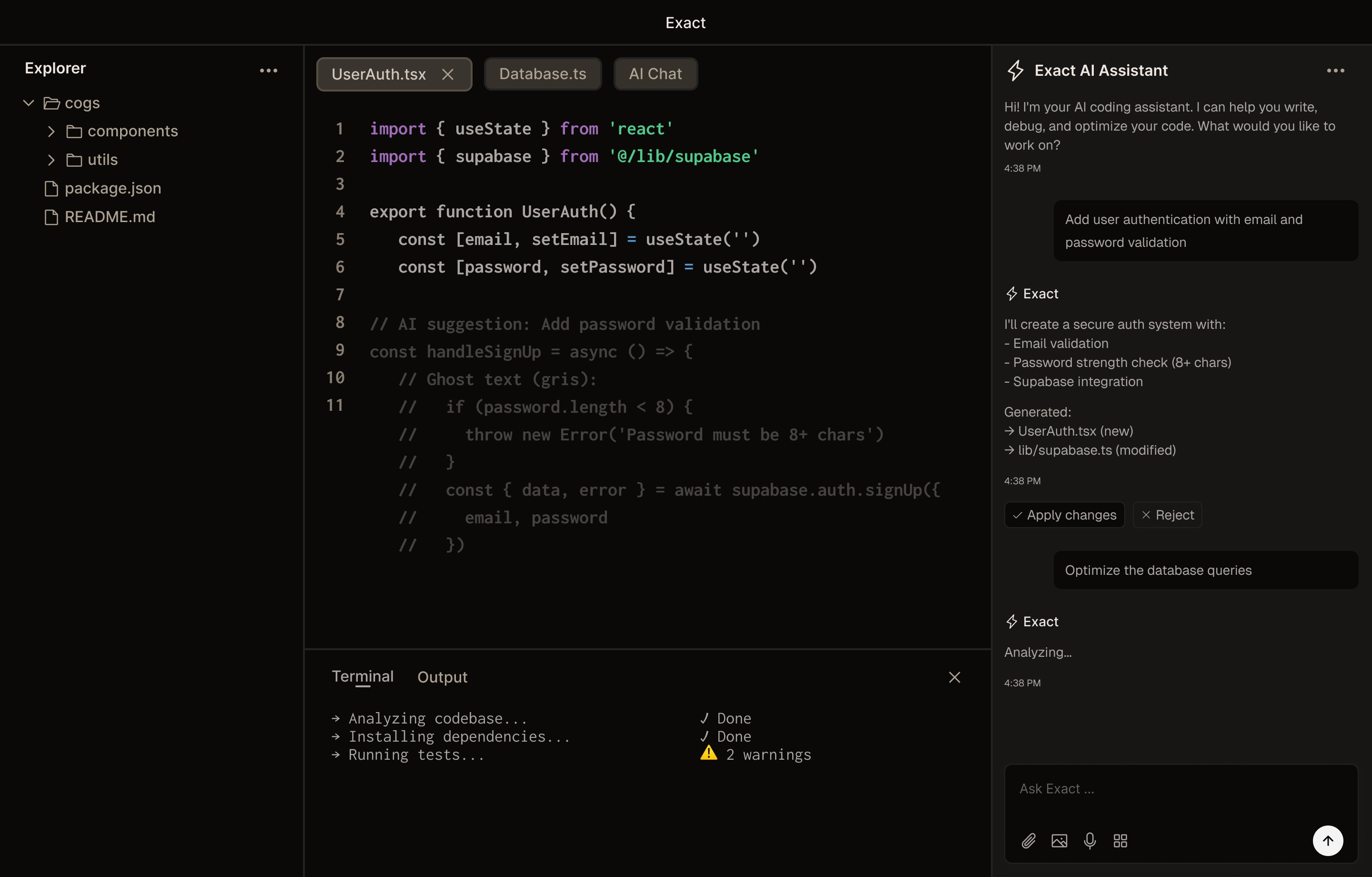
Axiom builds it, connects your tools, and runs it.

//
How it works
Automate anything. In plain English.
Describe it in plain English
Skip the drag-and-drop. Type what you want and Axiom turns your sentence into a working automation.
Visual workflow preview
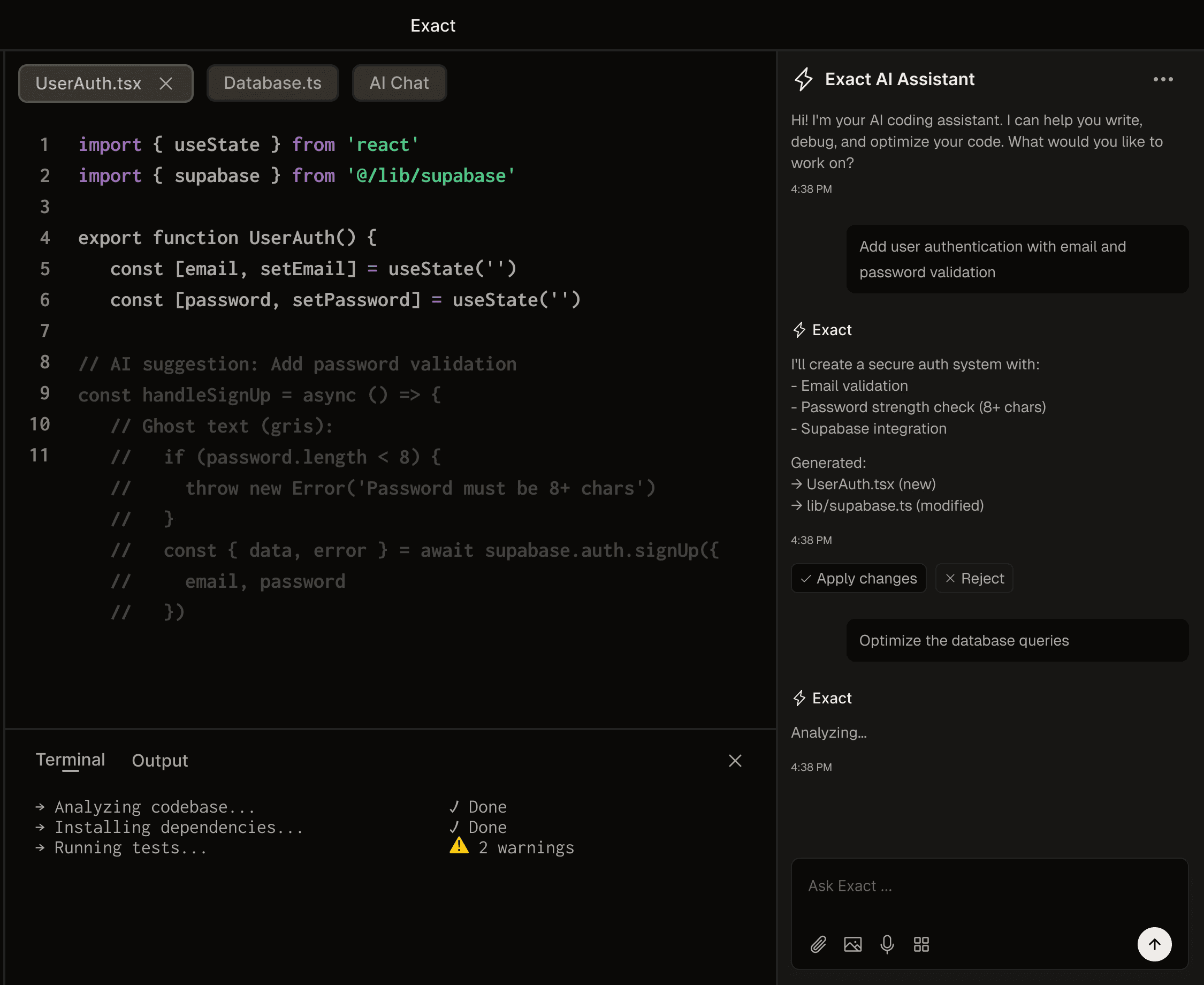
See every step before it runs: trigger, actions, branches, data. Nothing ships as a black box.
Connects to your whole stack
200+ native integrations. One click to connect Slack, Gmail, Notion, Salesforce, and more.
//
Use cases
One tool. Every team.
Customer onboarding
Incident response
Sales ops
Content pipeline
Customer onboarding
Welcome signups, drip emails, trigger tours, and hand off to CS, automatically.
//
Benefits
Ship automations.Skip the busywork.
Context-aware AI
Axiom reads your docs and tools so automations fit your business.
Zero setup, zero code
Sign up, describe your first workflow, watch it run. No setup files.
Your data stays yours
100% private by default. Your code never leaves your machine.
Live in minutes
Describe, preview, deploy in under a minute. Live before your coffee cools.
Every tool you use
50+ languages supported with the same precision.
Edit once, rewire everywhere
Change the sentence, Axiom rewires every step. Never a broken flow.
//
Testimonials
Loved by ops teams.Built to move work.
Axiom cut our inbound response time in half. I described how we route leads in two paragraphs and it just worked. No Zapier spaghetti, no engineer required.

Sarah Chen
Head of Ops
Zero setup, instant wins. I switched from Zapier and never looked back. Axiom just works, and editing a flow is as easy as rewriting a sentence.
Get the exact answer with line numbers and context. My productivity has skyrocketed.
Finally, an AI editor that doesn't feel like it's guessing. Context-aware suggestions that actually make sense. It's like pair programming with someone who knows your codebase.
Best AI tool I’ve onboarded this year. It’s like having a junior ops person who never sleeps and never forgets to log anything. Our team is obsessed.

Ethan R
Sales Ops
No more wading through irrelevant completions.
I was skeptical about AI automation tools until Axiom. It actually gets our workflow nuance, understands context, edits cleanly, and never silently breaks a flow. Game changer.

Emma Larsson
RevOps Lead
We built our entire customer onboarding flow in an afternoon. Three months ago this would have been a roadmap item. Now it’s just another Axiom workflow.
The privacy-first approach gives me peace of mind.
//
Pricing
Start free. Scale as you grow.
Monthly
Yearly
Save 20%
Free
€0
/month
Perfect for trying Axiom. Core features, free forever.
Features
Unlimited local projects
3 automations, 100 runs/mo
AI suggestion engine
200+ native integrations
Slack & Gmail triggers
Pro
Popular
€29
€29
/month
For developers who need advanced features and unlimited AI requests.
Features
Everything in Free
Unlimited AI requests
Unlimited automations, 10k runs/mo
Priority execution queue
Edit flows in plain English
Multi-file editing
Enterprise
Custom
For teams that need dedicated support, custom deployment, and advanced security.
Features
Everything in Pro
Unlimited workspace seats
Self-hosted deployment
SSO & SAML
Custom AI model training
Dedicated success manager
SLA guarantees
//
Three ways to start
Start how you like.Pick what fits.
Type a prompt
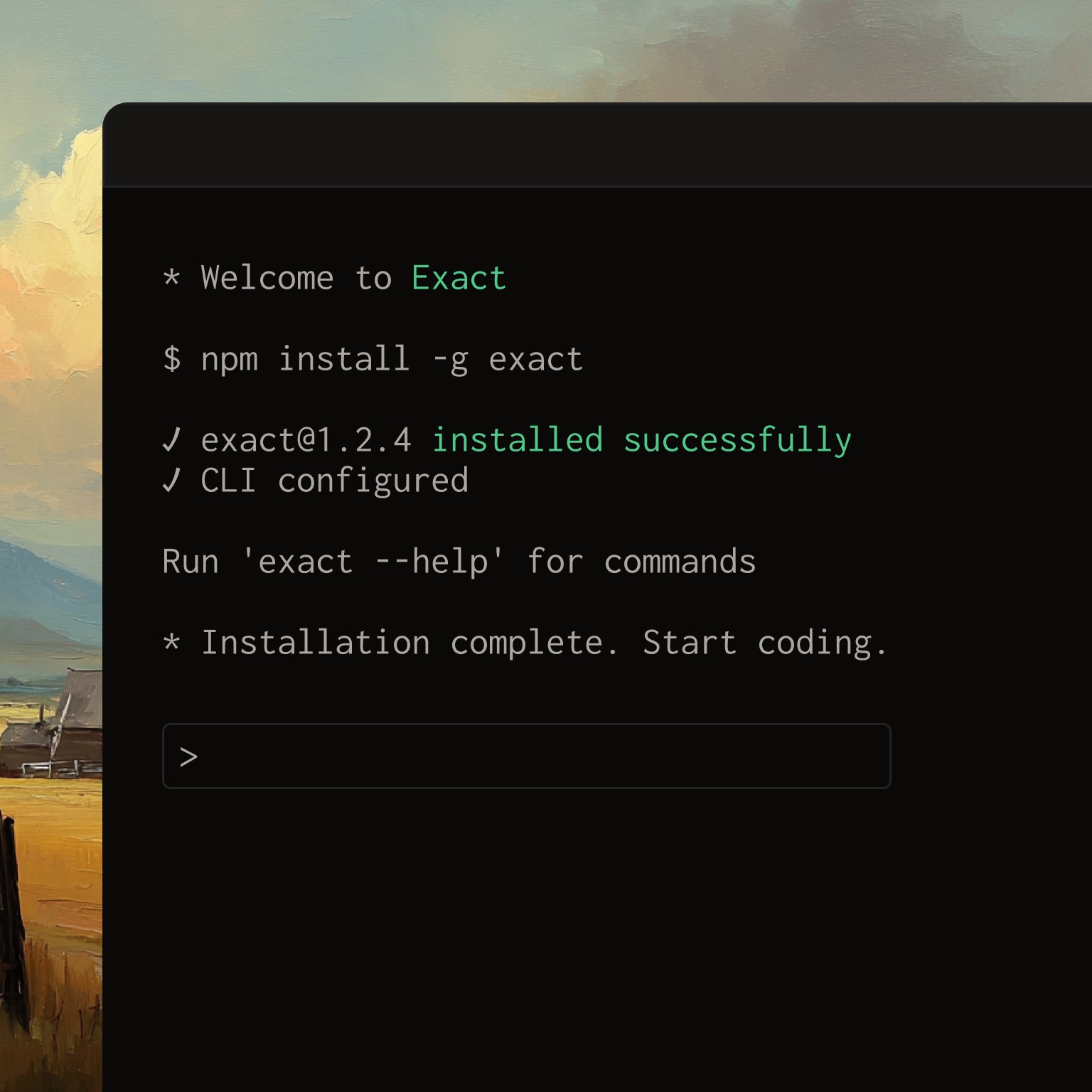
Type a sentence. Axiom turns it into a working workflow in seconds.
Email new signups a welcome note
Copy
Use a template
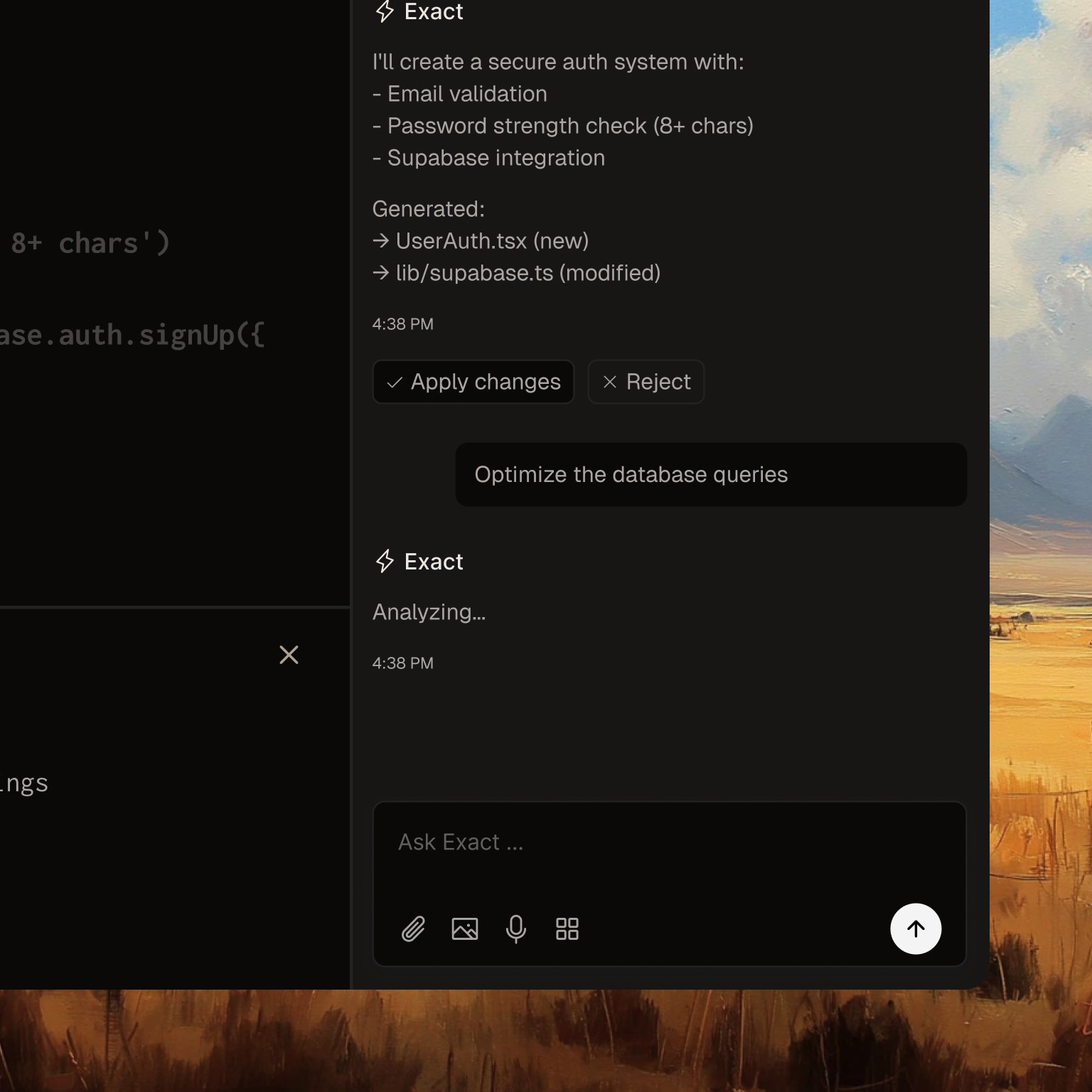
Pick from 200+ ready-made flows for sales, support, and ops.
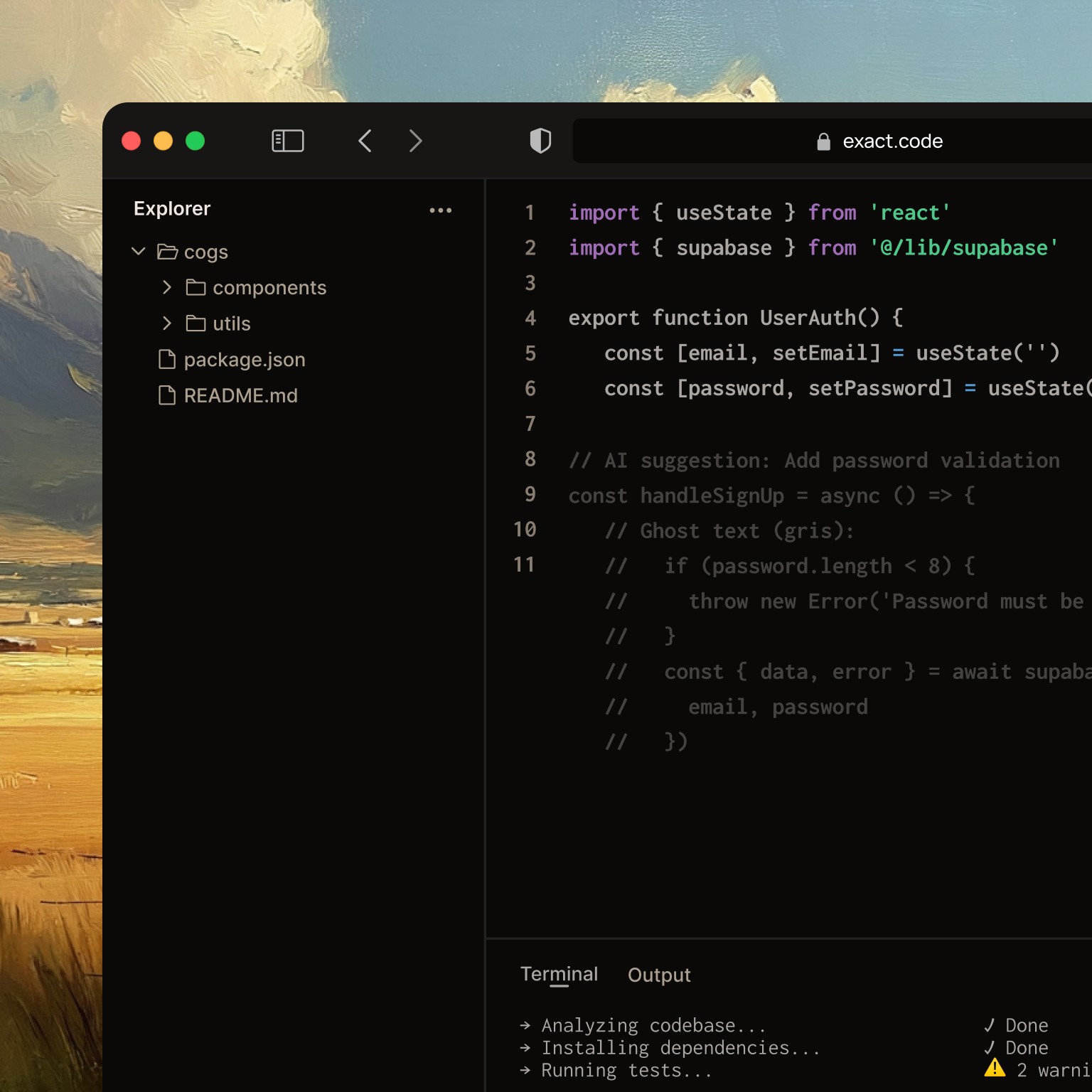
Import a doc
Paste an SOP or Notion doc. Axiom converts it into a live automation.
//
FAQ
Questions? We've got answers.
Is Axiom really free?
How is Axiom different from Zapier?
Is my data secure?
What tools does Axiom connect to?
Do I need to know how to code?
How fast can I get started?
Start automating today.
Free tier included. Set up in minutes.
Your first workflow is one sentence away.

Renovate what you already vibecoded, or
start clean from zero.
Renovate an existing project
You already have a vibecoded site and you want it to stop looking like AI slop without losing your copy or content.
Get the pack
Get the Design System pack.
14 days refund · Use on unlimited projects
Drop pack in existing project
Upload the Design.zip into your AI coding tool or other coding tools and paste the renovate prompt on top of your existing project.
Renovate
Your AI coding tool renovates one section at a time. After each, it stops and shows you the result. You reply “Looks good, next” or “Fix: ___”. It iterates until you’re happy.
Start a new project
You don't have a landing page yet, or you're scrapping the one you have and starting over.
Get the pack
Get the Design System pack.
14 days refund · Use on unlimited projects
Drop pack in new project
Upload the Design.zip into a new Lovable chat or other AI coding tools new chat and paste the new project prompt.
Launch
Your AI coding tool launches the preview and then asks you what to edit.
What's in the pack
Design System
The full design system zip. Drop into Lovable, Claude and co, paste a prompt, and ship.
Workflow prompts
"New project" + "Renovate" prompts. Paste-ready, no edits needed.
Platform prompts
Knowledge docs for Lovable, Bolt, v0, Cursor and Claude Code.
Tutorials
Video walkthroughs on how to use the Design System and get the best out of the prompts.
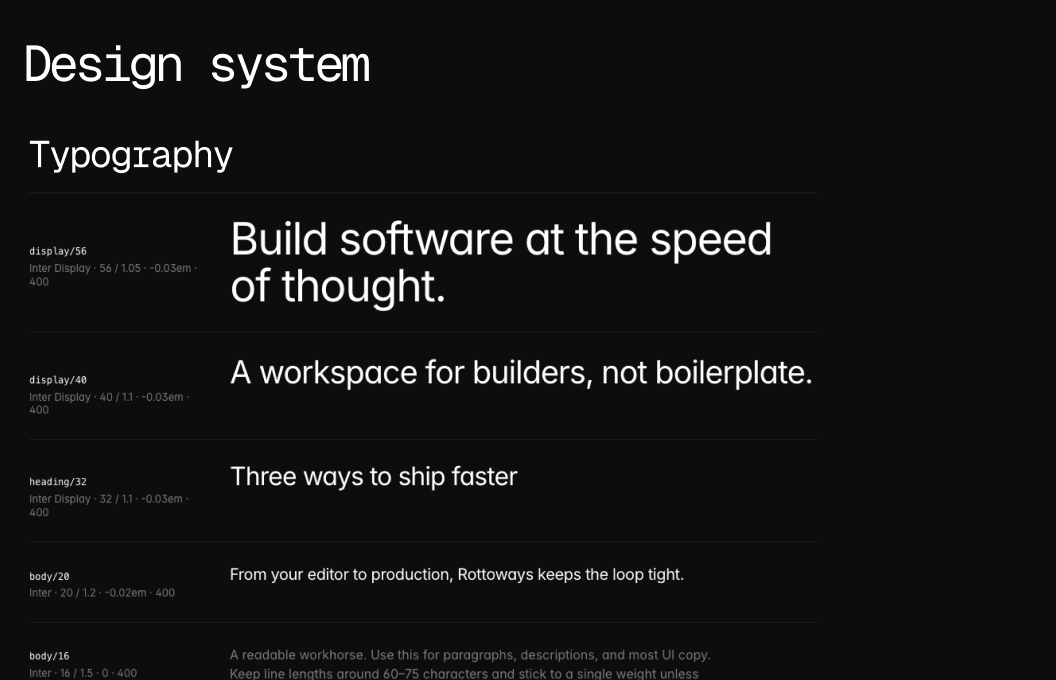
Remove the AI-slop look from your AI generated website.
One-time. Use on unlimited projects. 14-day refund.
14 days refund · Use on unlimited projects
FAQs
Got questions?
We’ve got answers.
Still have questions?
Contact us and we’ll help you out.
01
Will my site look exactly like the demo?
Visually and animation wise, yes. Your own copy and content fill the design. That’s the only difference.
02
Will the renovate prompt change my copy?
No. The prompt is engineered specifically not to. Every headline, subhead, button, testimonial, and feature description is preserved verbatim, character for character. The design changes; your words don’t.
02
I already tried Anthropic’s design skill or shadcn themes. How is this different?
Skills and themes hand you a box of parts. This pack hands you a finished design. Your AI doesn't have to guess what looks good. The rules are already set, so every section comes out consistent.
04
Does it work for in-app UI or just landing pages?
Pack 1 is a landing-page system. In-app UI is a different problem and will be a separate pack.
05
Can I use it on client projects?
Yes. Unlimited projects, including paid client work.
03
Refunds?
14 days, no questions. Email and it’s done.